
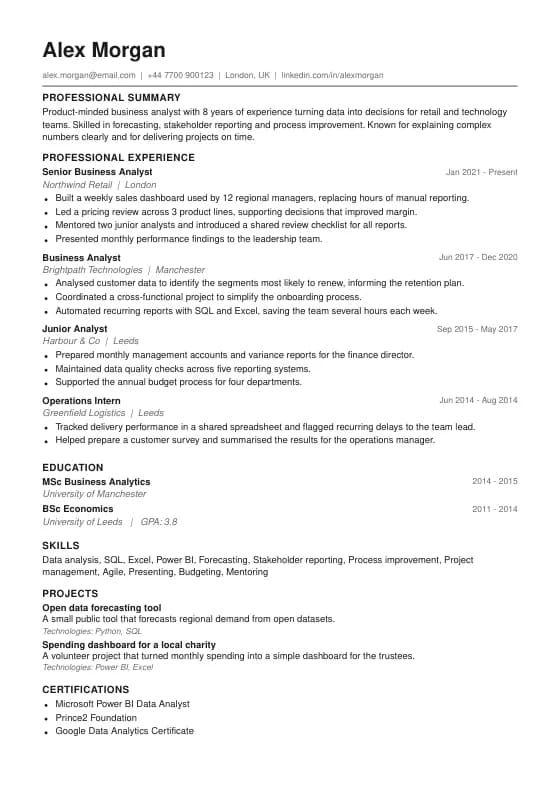
ATS Classic
Plain single column that every applicant tracking system reads cleanly.
Best for: Any role, Online portals
ATS excellentUse this template
An applicant tracking system reads your resume as plain text before a person ever sees it. If a template hides text in tables, images or multiple columns, the software can scramble your job titles and dates, or skip whole sections.
Every template on this page uses a single column, real selectable text and conventional section headings, so the information comes out in the right order. They still look professional: the difference between them is typography, spacing and how much accent colour they use.
Pick one, then let ImprovedCV tailor the wording to the job description and score the result against the keywords in the posting.
Tailor my resume freePlain single column that every applicant tracking system reads cleanly.
Best for: Any role, Online portals
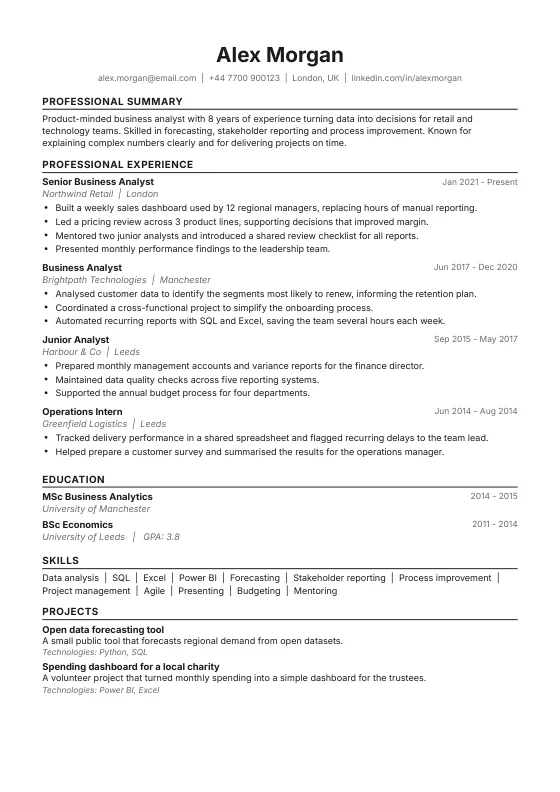
Centred header with ruled sections. Neutral and parser-safe.
Best for: Any role, Corporate
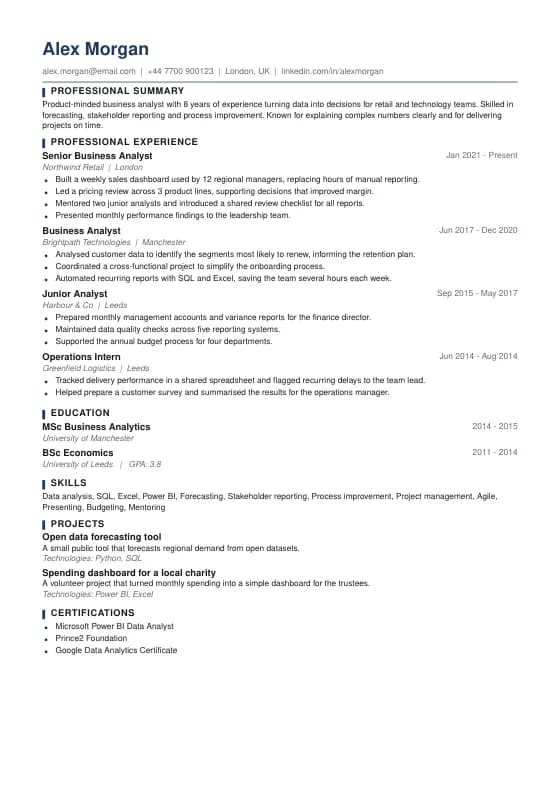
Dense and ATS-safe, for long work histories on one page.
Best for: Senior roles, Long careers
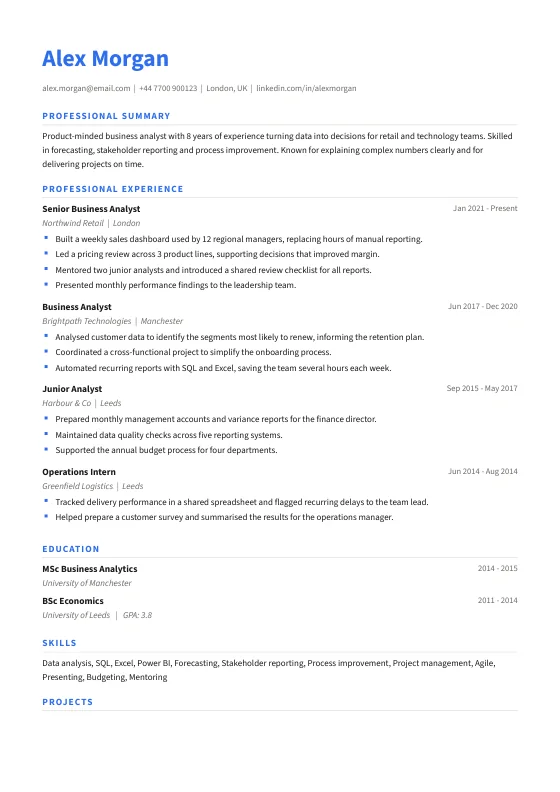
A fresher look with accent headings, still one clean column.
Best for: Tech, Marketing, Operations
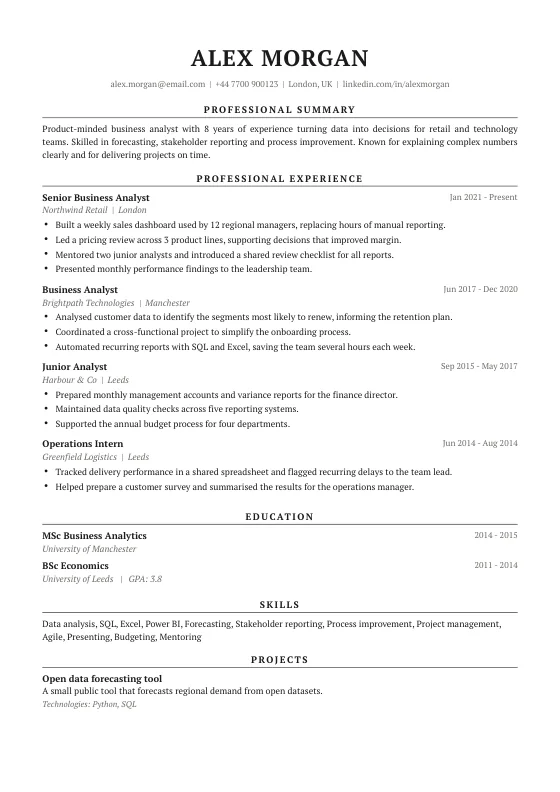
Serif and centred with a strong summary. ATS-safe for leadership roles.
Best for: Directors, Managers
A single column layout, real text rather than images, standard headings, and no important content hidden in tables, text boxes, headers or footers. That lets software extract your details in the right order.
Not always, but they carry more risk. Some systems read across both columns line by line and mix up the text. If you are applying through an online portal, a single column is the safer choice.
A text-based PDF is fine for most systems and keeps your layout intact. If the posting asks for Word, use the DOCX export instead.
Yes. Colour does not affect parsing. What matters is that the text is real text and the structure is simple.